Your whole library
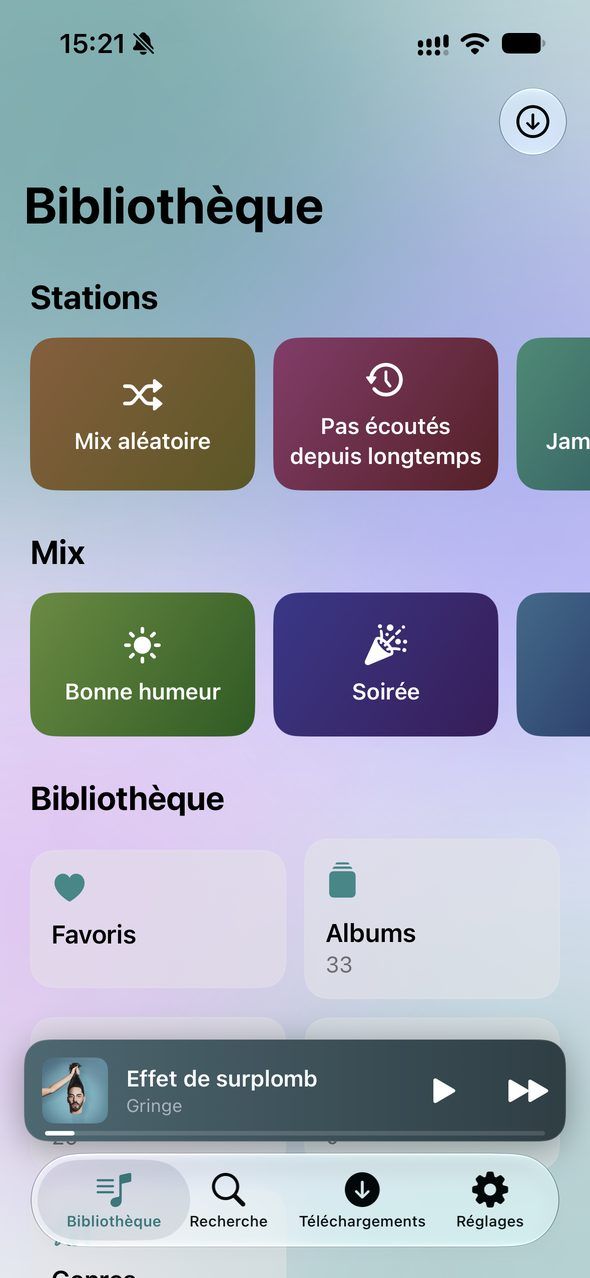
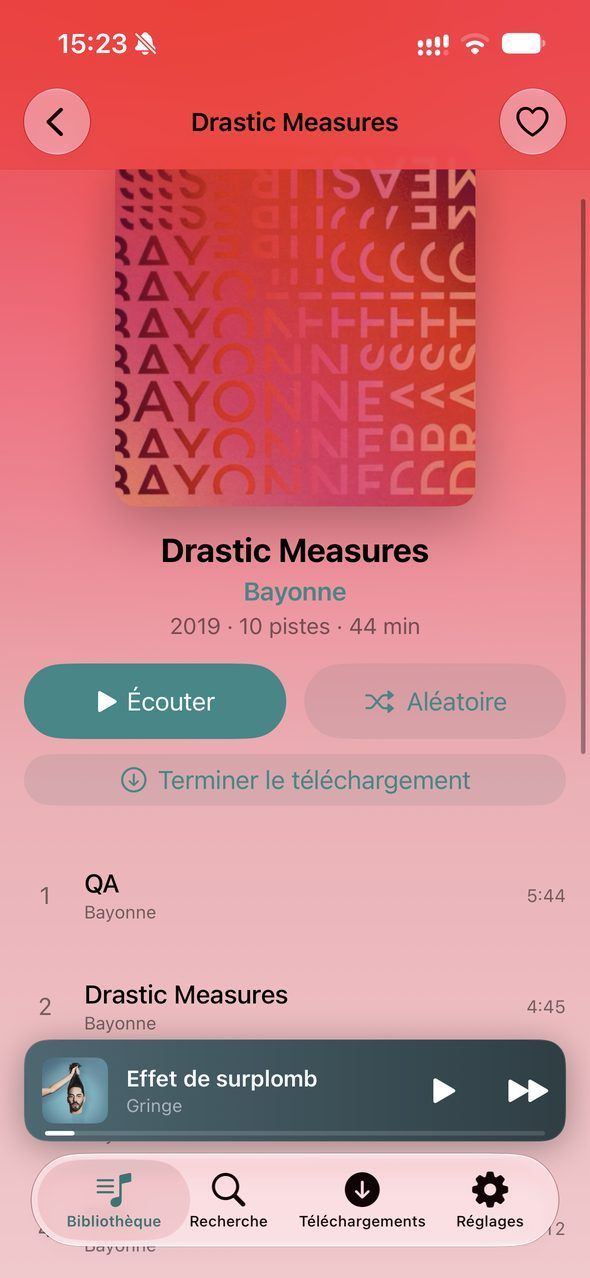
Albums, artists, playlists and genres, with an A–Z index. Artist pages have their photo and biography, and multi-disc albums play straight through.
Abilia plays your Jellyfin server’s library in an app built for the iPhone: beautiful, fast, and at home everywhere in the system, right down to your Apple Watch.
For iPhone and Apple Watch
Good to know: the app itself is in French for now, as in the screenshots on this page.
Your Jellyfin server
Abilia connects straight to your Jellyfin server, at home or over the internet. No account to create, no subscription, no ads: just your library, organized the way you like it.
192.168.1.10:8096https://Albums, artists, playlists and genres, with an A–Z index. Artist pages have their photo and biography, and multi-disc albums play straight through.
Tracks, albums, artists and playlists show up from the very first letter.
Your credentials stay in the iPhone’s keychain. Self-signed certificate? Abilia shows you its fingerprint, then trusts that one alone.
You need a Jellyfin server, version 10.9 or later. No server yet? It’s free and open source: discover Jellyfin
Now Playing
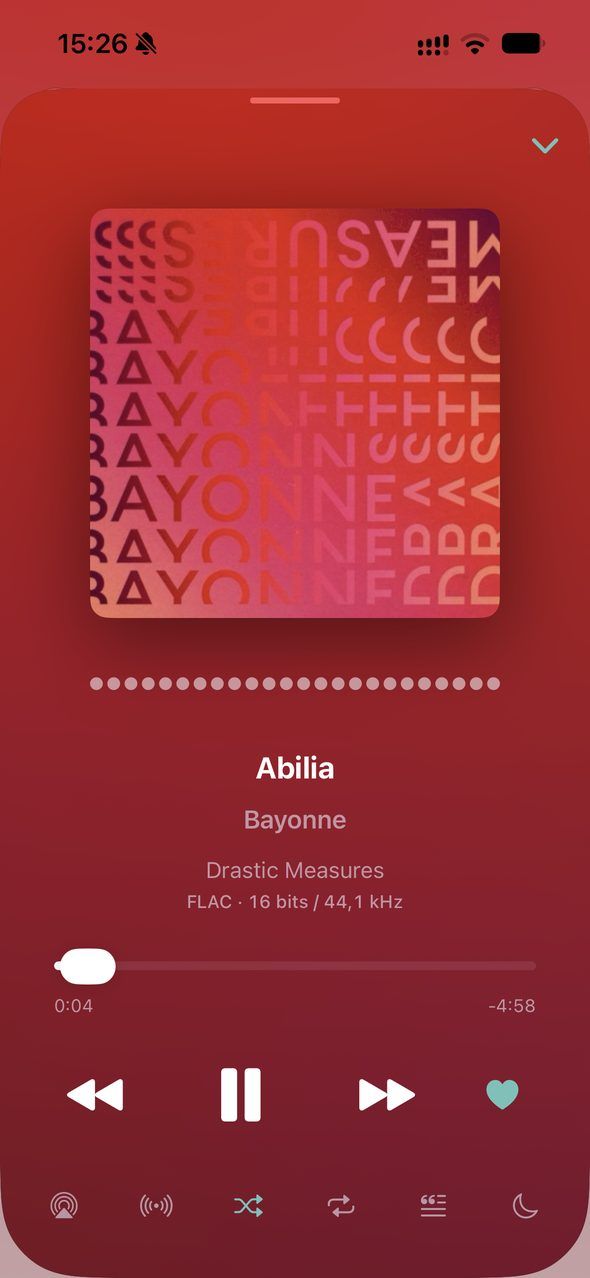
Tap a track and the music starts. Everything else is right there, under your thumb.
A blurred backdrop in the album’s colors, a spectrum that dances with the music, and the format being played, from “MP3 · 256 kbps” to “FLAC · 24-bit / 96 kHz”.
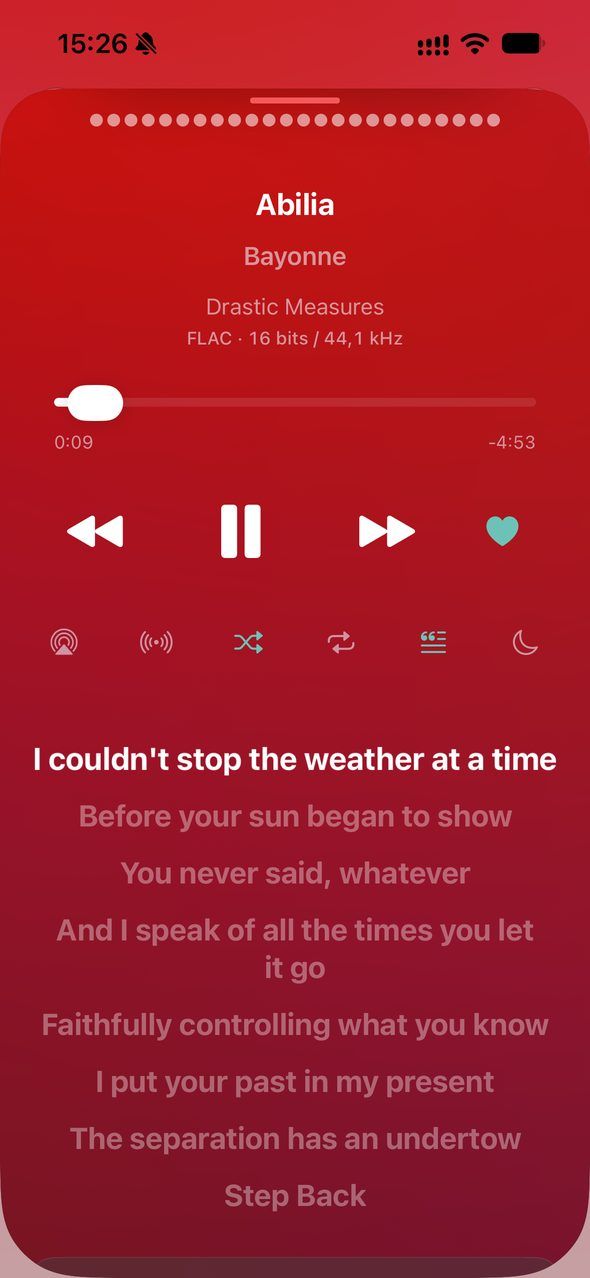
Synced lyrics scroll beneath the controls, in time with the song. A swipe on the mini player skips to the next track.
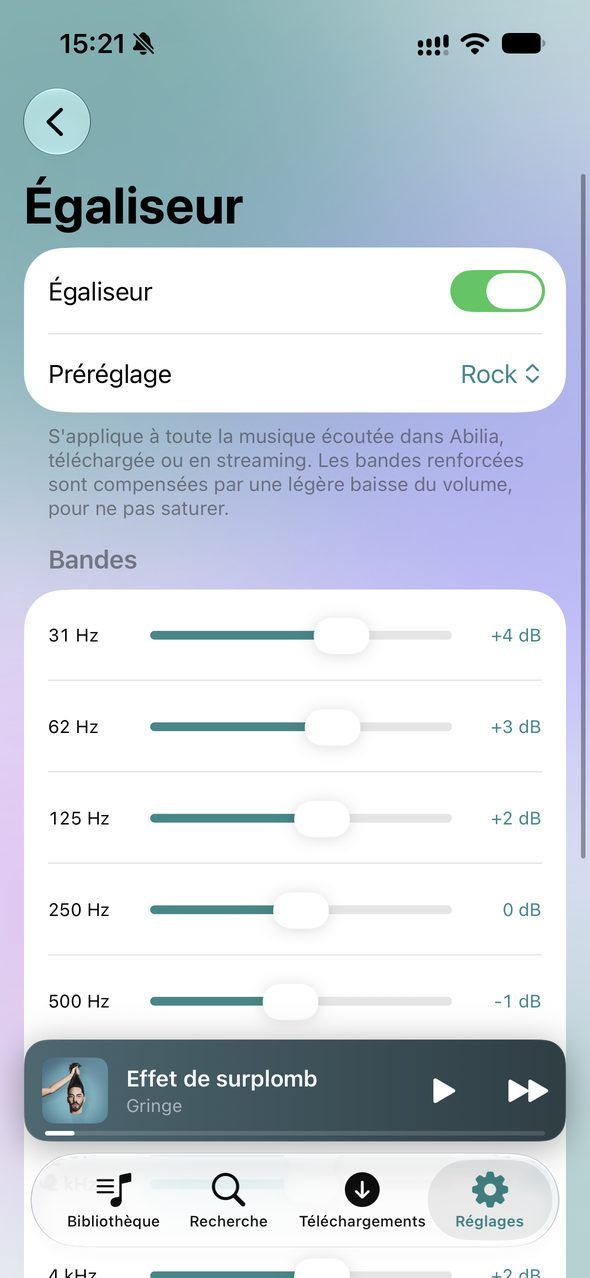
From 31 Hz to 16 kHz, with presets. Boosted bands are balanced by a slight volume cut, so the sound never clips.
Albums, artists and playlists take on the hue of their artwork. Tap the heart and the track is saved as a favorite on your server.
Audio engine
Abilia has its own audio engine: tracks flow into each other without silence, and upcoming ones are prepared ahead of time so they start right away.
The last note of one track meets the first note of the next, the way the artist intended.
If you like, one song fades out as the next one rises. Adjustable, and never within the same album.
Stations and mixes
Out of ideas? A station digs into your library: forgotten tracks, songs you’ve never played, a decade or a mood.
Mood mixes are built from the genres in your library.
From any track, album or artist, or from the song that’s playing.
When the queue ends, tracks close to the last one you heard take over.
Your country’s most popular stations, search by name and your favorites, with the current song on the lock screen.
Offline
Download albums, playlists or all your favorites and listen without a connection: on the subway, while traveling, or to spare your data plan.
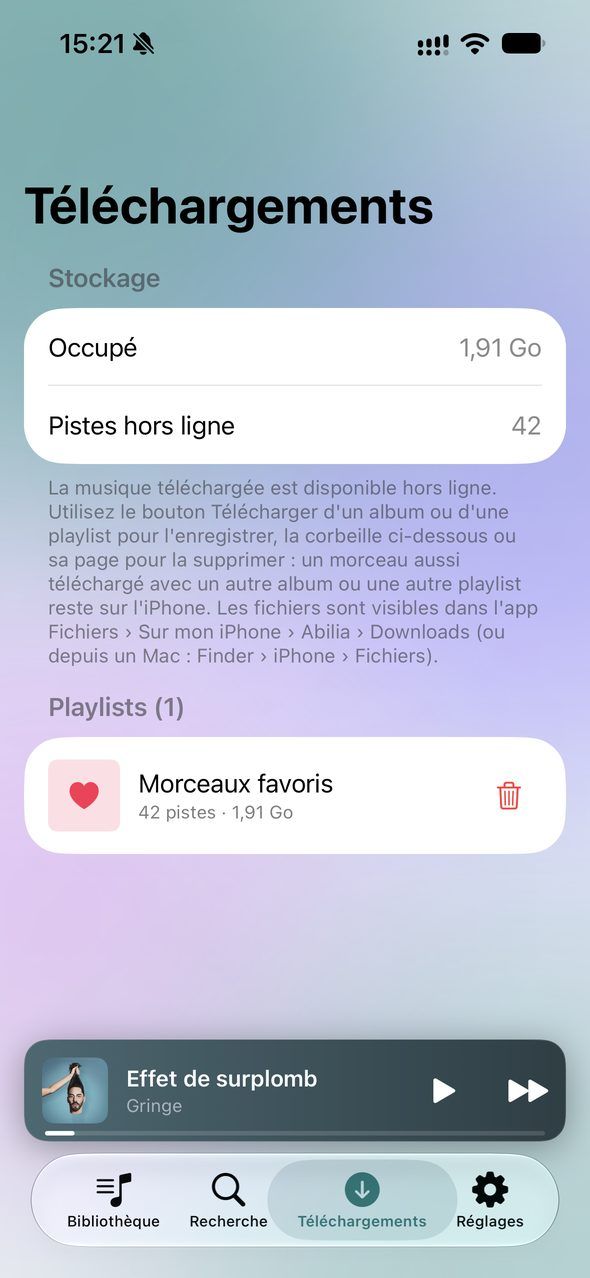
A new heart, a track added to a playlist: it lands on your iPhone by itself. A track shared by two albums or playlists is stored only once.
What you play stays on your iPhone, from 1 to 10 GB as you choose, with your favorites the last to go. Replaying downloads nothing again.
One tap, and the library shows and plays only what’s downloaded, even with a connection. Stations pick from what’s on your iPhone.
Set separately for Wi-Fi, 4G/5G and downloads, from the original file down to 128 kbps.
Rewind
Listening time, top artists and albums, genres, favorite hours: a recap to flip through all year long, over 7 days, 30 days, a year or since the very beginning.
Listening time
212 h
that’s 318 full albums
+32% on last year
Your genres
Favorite time
Evenings
On repeat
7 plays
of the same song, in a single day
Computed on your iPhone, never sent anywhere. Example figures.
Everywhere
Lock screen, AirPlay, widget, Siri: your music follows you across the system. And on Apple Watch, even when your iPhone stays at home.
Send albums, playlists or your favorites to the watch, then listen with Bluetooth headphones, no iPhone or network needed. Your plays sync back to your server afterwards.
Home, albums, artists and playlists on your car’s screen, with shuffle and “Up Next”.